Dental CAD Design Service: How to Use AMDC Human Design
Why Complex Cases Stall Small Teams
When small dental laboratories encounter cases that are difficult to manage with their available time or experience, AMDC Human Design, a professional dental CAD design service, can provide a practical alternative. Rather than forcing complex design work into an already limited in-house schedule, using a specialized service can help laboratories better manage turnaround times, consistency, and communication.
Complex Cases Create More Than a Design Problem
Complex bridges, challenging interproximal contacts, and high esthetic demands involve greater risks than standard restorations. With AMDC Human Design, dental technicians and clinicians can proceed with the design process while maintaining their established clinical and fabrication standards.

When AMDC Human Design Makes Sense
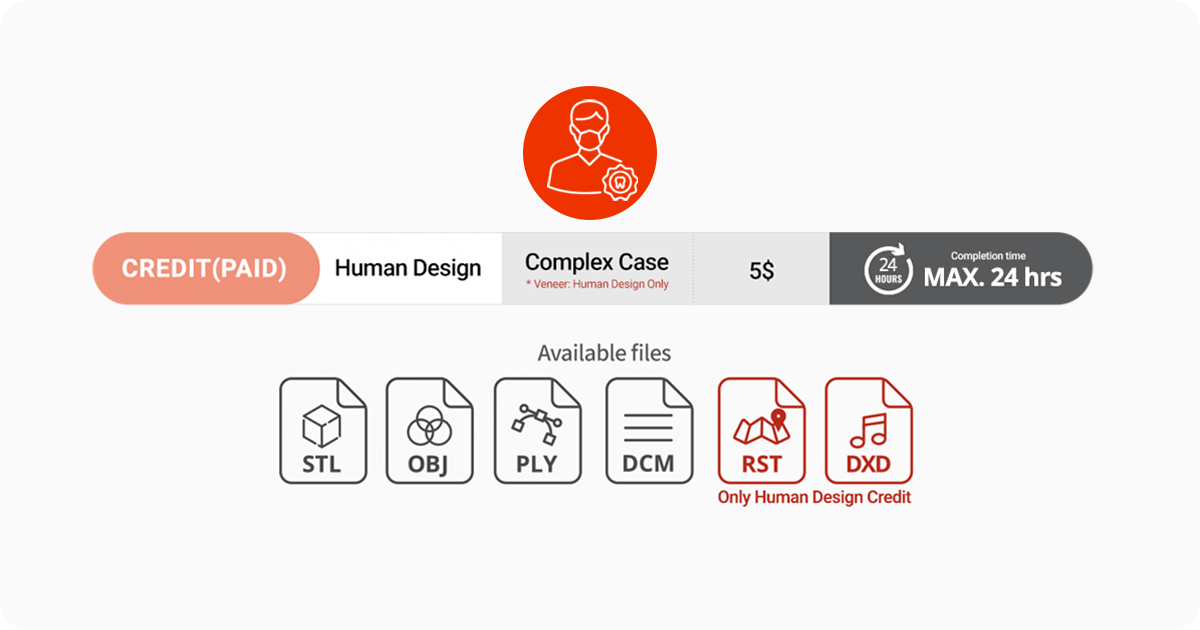
AMDC Human Design is the paid option intended for complex cases. A Human Design request is listed at $5, with a maximum turnaround time of 24 hours. This Dental CAD Design Service supports the dental design through a human workflow instead of treating every dental lab service request like a simple automated case.
Step 1: Charge Credits and Prepare Files
Create an account, open My Page, select My Credits, and charge the required credits in USD. Prepare the upper jaw, lower jaw, and occlusion scans. AMDC supports STL, OBJ, PLY, DCM, RST, and DXD files for this Dental CAD Design Service, allowing the dental design to enter the dental lab service workflow without unnecessary conversion.
Step 2: Enter the Case Information
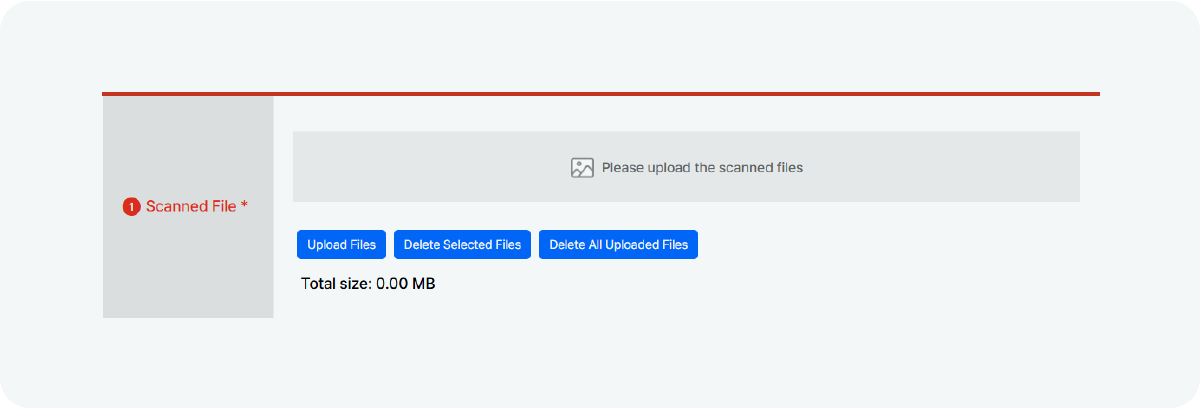
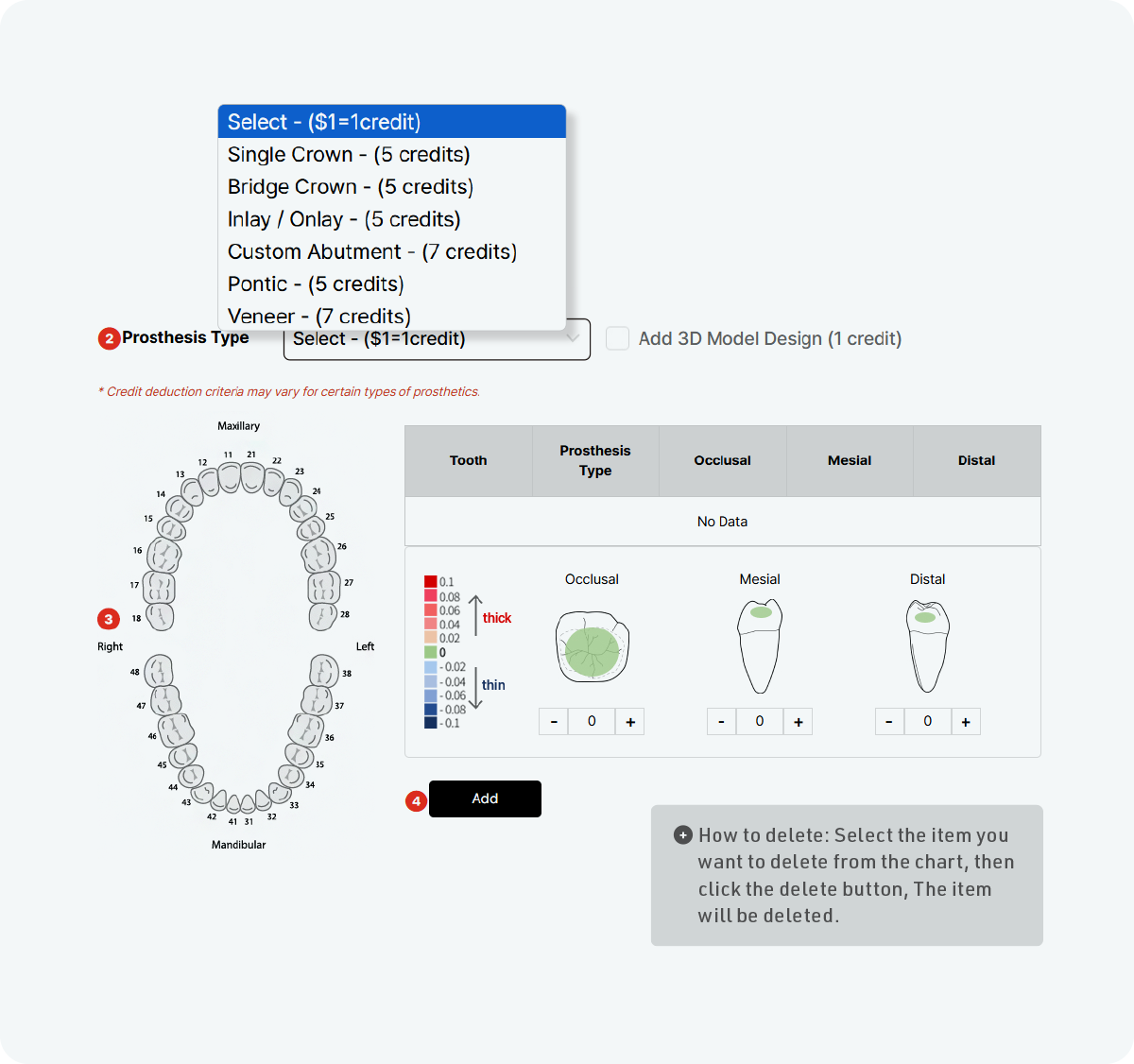
Upload all scan files, select the prosthesis type first, choose the tooth number, and enter the occlusal, mesial, and distal values before clicking Add. These details help the Dental CAD Design Service interpret the dental design correctly and reduce avoidable questions during the dental lab service process.
Step 3: Add References and Requirements
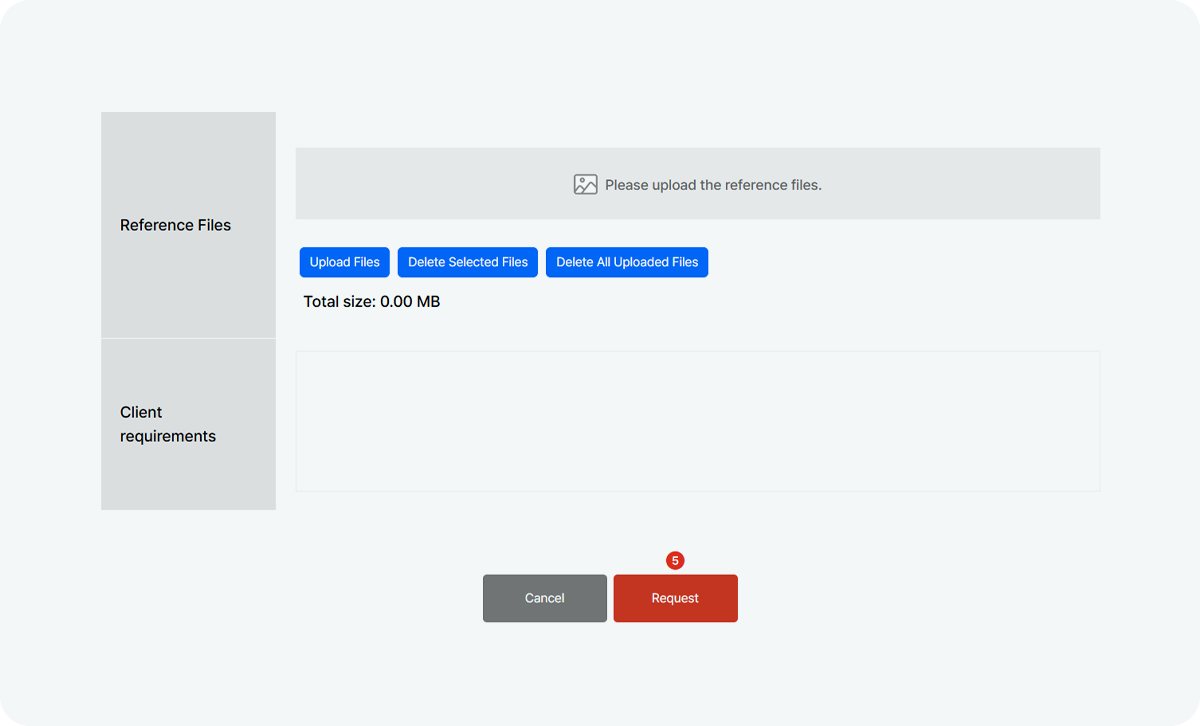
Upload reference images that clearly show the desired form, surface character, or esthetic direction. Write specific requirements covering contacts, occlusion, emergence profile, and risk areas. Clear instructions make the Dental CAD Design Service more effective because the dental design remains connected to the actual goals of the dental lab service.
Step 4: Submit, Review, and Download
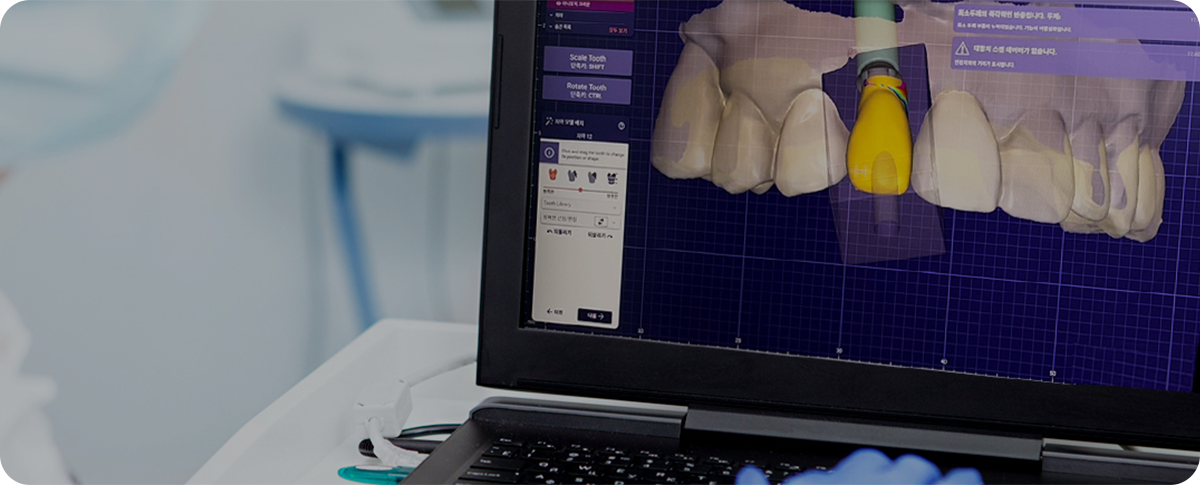
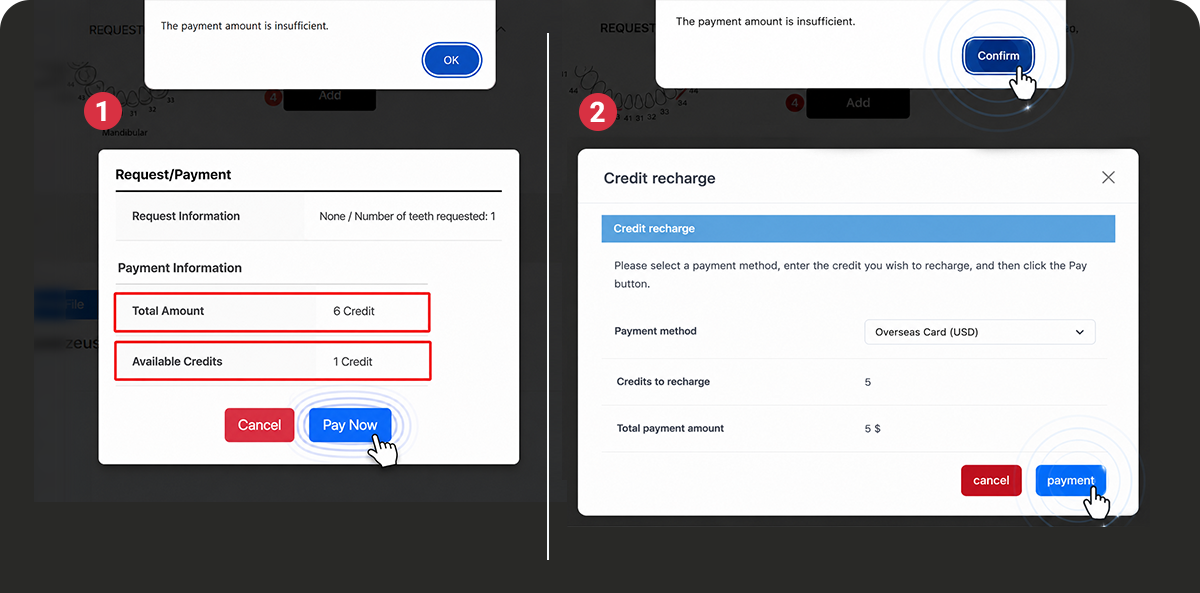
Submit the request and complete payment. If the credit balance is insufficient, AMDC allows immediate recharging from the alert window. When the Dental CAD Design Service is complete, review the dental design through the web viewer and download selected files or all completed files for the dental lab service.
Step 5: Request Design Modifications
Need a change? Open Request Details and use Request Memo to explain the modification. Review the revised files and designer notes, then click Complete when approved. This step turns the Dental CAD Design Service into a repeatable process in which the dental design supports, rather than delays, the dental lab service.
Make Complex Work More Predictable
For small labs or dentists working with an in-house technician, complex cases can require more design time and attention. AMDC Human Design provides additional design support when needed, helping make demanding dental design cases easier to manage.